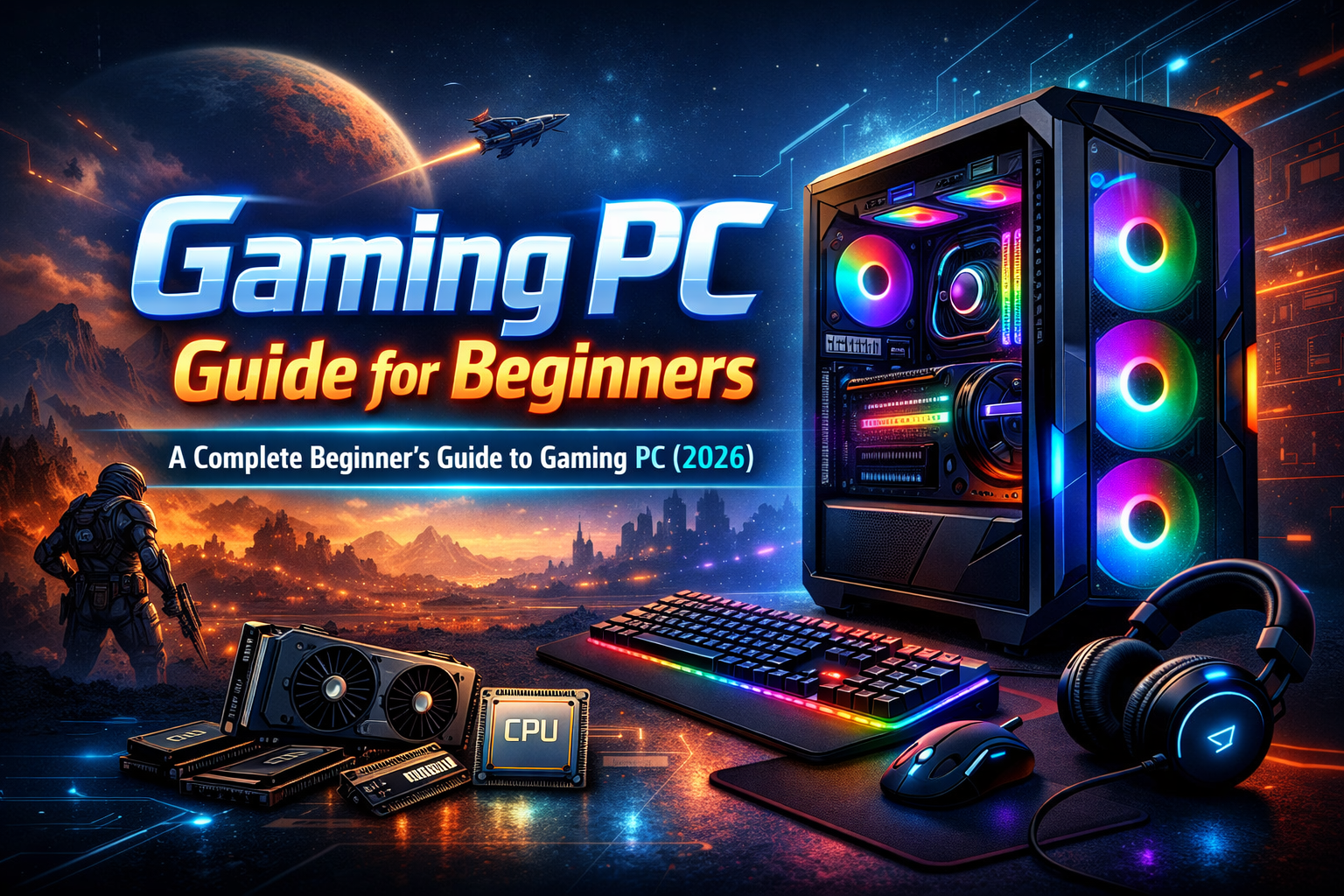

If you’re new to PC gaming, choosing your first gaming PC can feel confusing and overwhelming. With so many components, technical terms, and budget options, beginners often don’t know where to start. That’s exactly why this gaming PC guide for beginners exists.
In this beginner’s guide to gaming PC, you’ll learn everything from what a gaming PC is, how it compares to consoles, which components matter most, budget-friendly setups, and even PC gaming basics. By the end, you’ll confidently understand PC gaming for beginners—without feeling lost or overspending.
Who Is This Guide For?
This guide is perfect for:
- First-time PC gamers
- Console gamers switching to PC
- Students or budget gamers
- Casual gamers who want smooth performance
- Anyone searching for a beginner’s guide to PC gaming
What Is a Gaming PC?
A gaming PC is a computer designed to run modern games smoothly with better graphics, faster performance, and higher frame rates compared to a regular PC.
Unlike normal office PCs, gaming PCs use:
- Powerful graphics cards (GPUs)
- Faster processors (CPUs)
- More RAM
- Better cooling systems
The biggest advantage? You can upgrade a gaming PC anytime, instead of buying a whole new system.
Gaming PC vs Normal PC vs Console
Beginners often ask which option is better. Here’s a simple comparison:
| Feature | Gaming PC | Normal PC | Gaming Console |
|---|---|---|---|
| Performance | High | Low | Medium |
| Upgradability | Yes | Limited | No |
| Game Prices | Often cheaper | N/A | Expensive |
| Graphics Quality | Best | Poor | Good |
| Customization | Full | Limited | None |
If you want flexibility, better performance, and long-term value, a gaming PC is the best choice for beginners.
Core Gaming PC Components Explained (Beginner-Friendly)
1. CPU (Processor)
The CPU is the brain of your PC. It handles game logic, background tasks, and system performance.
For beginners, mid-range CPUs are more than enough.
2. GPU (Graphics Card)
The GPU is the most important component for gaming. It controls:
- Graphics quality
- Frame rates (FPS)
- Resolution
👉 Beginners should prioritize the GPU over everything else.
You can learn more about GPUs on NVIDIA’s official site .
3. RAM
RAM helps your PC run games smoothly.
- Minimum: 8GB
- Recommended: 16GB
More RAM = smoother multitasking.
4. Storage (SSD vs HDD)
- SSD: Faster loading times (recommended)
- HDD: Slower but cheaper
👉 Always choose an SSD for gaming.
5. Motherboard
Connects all components together. Beginners just need a compatible motherboard—no need for expensive features.
6. Power Supply (PSU)
Provides power safely to your PC.
Never buy a cheap PSU—it protects all your components.
7. PC Case & Cooling
A good case improves airflow and keeps temperatures low, improving performance and lifespan.
Minimum, Recommended & Ideal Gaming PC Specs
Entry-Level (1080p Gaming)
- CPU: Mid-range processor
- GPU: Entry-level dedicated GPU
- RAM: 8GB
- Storage: 512GB SSD
Mid-Range (High Settings)
- CPU: Strong mid-range
- GPU: Mid-range GPU
- RAM: 16GB
- Storage: SSD + optional HDD
High-End (Optional for Beginners)
- Designed for 1440p or 4K gaming
- Not necessary for beginners
Budget Guide for Beginners 💰
Budget Gaming PC
Best for:
- Esports games
- Indie games
- Casual gaming
Mid-Range Gaming PC
Best for:
- AAA games
- High settings
- Smooth FPS
High-End Gaming PC
Best for:
- Competitive gaming
- Streaming
- 4K gaming
👉 Beginners should start with budget or mid-range, then upgrade later.
Pre-Built vs Custom Gaming PC
Pre-Built Gaming PC
Pros:
- Easy to use
- Warranty included
- Beginner-friendly
Cons:
- Slightly more expensive
Custom-Built Gaming PC
Pros:
- Better value for money
- Full customization
- Easy upgrades
Cons:
- Requires learning & assembly
👉 Beginners who don’t want hassle should choose pre-built PCs.
PC Gaming Basics (Beginner’s Guide to PC Gaming)
Game Launchers
Most PC games are available on platforms like:
- Steam
- Epic Games Store
- Xbox App
Free vs Paid Games
PC gaming offers:
- Free-to-play games
- Frequent sales
- Mod support
Keyboard & Mouse vs Controller
- Keyboard & mouse: Precision (FPS games)
- Controller: Comfort (sports & racing games)
Graphics Settings Explained
- Low: Best performance
- Medium: Balanced
- High/Ultra: Best visuals
What Is FPS?
FPS (Frames Per Second) measures smoothness.
- 30 FPS: Playable
- 60 FPS: Smooth
- 120+ FPS: Competitive
Gaming PC Setup for Beginners (Step-by-Step)
- Unbox your PC
- Connect monitor, keyboard & mouse
- Plug in power cables
- Install Windows
- Update graphics drivers
- Install games
- Adjust graphics settings
That’s it—you’re ready to game 🎮
Essential Gaming Accessories
Gaming Monitor
Look for:
- 1080p resolution
- 60Hz or 144Hz refresh rate
Keyboard
- Normal keyboard: Fine for beginners
- Mechanical keyboard: Better feel & durability
Gaming Mouse
Choose based on:
- Comfort
- Adjustable DPI
Headset
Improves immersion and communication.
Common Beginner Mistakes to Avoid ❌
- Spending too much on CPU, less on GPU
- Buying a low-quality power supply
- Ignoring airflow & cooling
- Choosing HDD instead of SSD
- Overspending on RGB lights
Popular PC Games for Beginners
- Free-to-play games
- Casual games
- Single-player story games
- Competitive multiplayer games
PC gaming offers thousands of options for every type of player.
FAQs – Gaming PC Guide for Beginners
Is a gaming PC worth it for beginners?
Yes. It offers better value, upgrade options, and cheaper games.
How much RAM do beginners need?
16GB is ideal for smooth gaming.
Can I upgrade my gaming PC later?
Yes. That’s one of its biggest advantages.
How long does a gaming PC last?
With upgrades, a gaming PC can last 5–7 years or more.
Do beginners need expensive GPUs?
No. Entry-level GPUs are perfect to start.
Final Tips for First-Time PC Gamers
- Don’t overthink your first build
- Start with budget or mid-range
- Focus on GPU performance
- Upgrade gradually
- Learn as you play
Conclusion
This gaming PC guide for beginners is designed to remove confusion and help you start confidently. Whether you’re searching for a beginner’s guide to gaming PC or learning the basics of PC gaming for beginners, the key is to start simple and upgrade over time.
A gaming PC isn’t just a machine—it’s a platform that grows with you.