 admin@gamescodify.com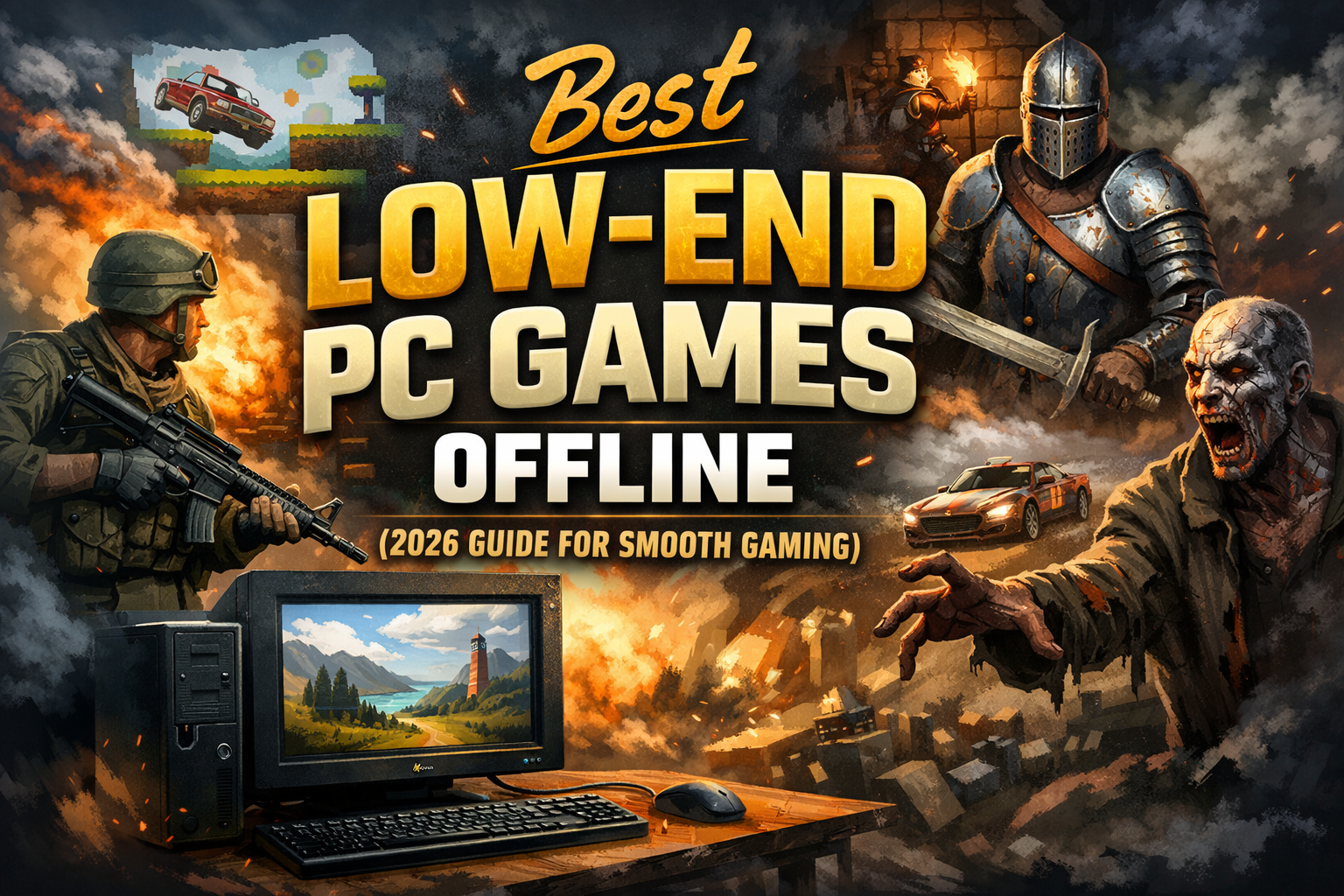
Introduction
Not everyone owns a powerful gaming computer. Many users still play games on old laptops or low-spec PCs with limited RAM and basic graphics. The problem is that most modern games require high-end hardware, fast internet, and large storage space. This makes gaming difficult for students, budget gamers, or anyone using older systems.
Thankfully, there are still many amazing low-end pc games that run smoothly without needing expensive hardware or constant internet access. These games are lightweight, fun, and perfect for offline play. Whether you enjoy action, racing, adventure, or shooting games, there are great options available for your system.
In this guide, you will discover the best offline games that work well on low-end computers. We will also explain system requirements, tips to improve performance, and how to choose games for your PC. If you want smooth gaming without upgrading your computer, this article will help you find the right games easily.
What Are Low-End PC Games?
Low-end PC games are lightweight games designed to run on computers with limited hardware power. These games do not require a powerful graphics card or high RAM. Most of them work smoothly on older computers and laptops.
A game is usually considered suitable for a low-end PC if it runs on:
- 2GB–4GB RAM
- Intel HD or integrated graphics
- Dual-core processor
- Windows 7, 8, 10, or 11
- Small storage space
These games are perfect for users who want fun gameplay without lag or heavy downloads.
Minimum PC Requirements for Smooth Gaming
Before downloading any game, check your PC specifications. Even low-end games need basic system support.
Recommended minimum requirements:
- RAM: 2GB–8GB
- Processor: Dual core or Intel i3
- Storage: 5GB–20GB free space
- Graphics: Integrated graphics
- OS: Windows 7 or above
If your computer matches these specs, you can easily play most low-end pc games offline without issues.
Quick Comparison Table
| Game Name | RAM Required | Storage | Genre | Offline |
|---|---|---|---|---|
| GTA San Andreas | 2GB | 4GB | Open world | Yes |
| NFS Most Wanted | 2GB | 3GB | Racing | Yes |
| Minecraft | 2GB | 1GB | Sandbox | Yes |
| IGI 2 | 1GB | 2GB | Shooting | Yes |
| Call of Duty 2 | 2GB | 4GB | Action | Yes |
| Max Payne 2 | 2GB | 2GB | Action | Yes |
| Far Cry 2 | 2GB | 5GB | FPS | Yes |
| Prince of Persia | 2GB | 2GB | Adventure | Yes |
Top 10 Best Low-End PC Games Offline
1. GTA San Andreas
Overview
This classic open-world game remains a favorite for gamers with low-end PCs. It offers missions, driving, and exploration in a large city.
Key Features
- Open-world gameplay
- Story missions
- Vehicle driving
- Offline play
Pros
- Works on low RAM
- Huge gameplay content
- Smooth performance
Cons
- Old graphics
- Limited modern features
Best For
Players who love open-world action and story-based games.
2. Need for Speed Most Wanted
Overview
A popular racing game with exciting police chases and street racing.
Key Features
- Fast racing
- Custom cars
- Career mode
- Offline gameplay
Pros
- Smooth on low PCs
- Addictive gameplay
- Small size
Cons
- Old visuals
- Limited new cars
Best For
Racing game lovers with low-end computers.
3. Minecraft
Overview
A creative sandbox game where you can build and explore worlds using blocks.
Key Features
- Creative mode
- Survival mode
- Offline play
- Low requirements
Pros
- Endless creativity
- Runs on basic PCs
- Fun for all ages
Cons
- Simple graphics
- Can feel repetitive
Best For
Creative players and casual gamers.
4. IGI 2: Covert Strike
Overview
A tactical shooting game with stealth missions and realistic gameplay.
Key Features
- Mission-based gameplay
- Realistic shooting
- Offline support
- Lightweight size
Pros
- Runs on 1GB RAM
- Smooth performance
- Interesting missions
Cons
- Old graphics
- No multiplayer
Best For
Fans of stealth and shooting games.
5. Call of Duty 2
Overview
A classic war game with intense missions and story-driven gameplay.
Key Features
- War missions
- Realistic weapons
- Offline campaign
- Smooth gameplay
Pros
- Great story
- Low requirements
- Engaging missions
Cons
- Older graphics
- Limited modes
Best For
Action and war game lovers.
6. Max Payne 2
Overview
A story-driven action game known for slow-motion shooting effects.
Key Features
- Story mode
- Bullet-time action
- Offline gameplay
- Small size
Pros
- Unique gameplay
- Smooth on low PCs
- Strong story
Cons
- Short gameplay
- Old visuals
Best For
Story-based action fans.
7. Far Cry 2
Overview
An open-world shooting game with missions and exploration.
Key Features
- Open-world action
- Multiple missions
- Offline support
- Realistic gameplay
Pros
- Large map
- Good graphics for size
- Smooth gameplay
Cons
- Requires 2–4GB RAM
- Slightly heavy
Best For
Adventure and shooting game lovers.
8. Prince of Persia: Sands of Time
Overview
A famous adventure game with puzzles and combat.
Key Features
- Story gameplay
- Time control ability
- Offline play
- Lightweight
Pros
- Smooth gameplay
- Great story
- Works on old PCs
Cons
- Short length
- Old graphics
Best For
Adventure and puzzle fans.
9. Counter-Strike 1.6
Overview
Counter-Strike 1.6 is one of the most popular lightweight shooting games ever. It runs smoothly on almost any old PC and offers offline bot gameplay.
Key Features
- First-person shooting action
- Offline bot mode available
- Very small size
- Works on very low RAM
Pros
- Extremely lightweight
- Smooth on old PCs
- Addictive gameplay
- No internet required for offline mode
Cons
- Old graphics
- Limited story mode
Best For
Players who enjoy classic shooting games on very low-end PCs.
10. Hitman: Blood Money
Overview
Hitman: Blood Money is a stealth action game where players complete missions using strategy and planning. It works well on low-end PCs with medium settings.
Key Features
- Stealth-based missions
- Open mission gameplay
- Offline story mode
- Smooth performance on low specs
Pros
- Interesting missions
- Strategic gameplay
- Good graphics for low PC
- Offline supported
Cons
- Requires basic strategy
- Slightly heavier than very old games
Best For
Players who enjoy stealth and mission-based games on low-end computers.
How to Choose Games for Low-End PC
Choosing the right game is important for smooth performance.
1. Check RAM Requirement
RAM (Random Access Memory) is one of the most important factors for running games smoothly.
- If your PC has 2GB RAM, choose very light games like old racing, puzzle, or 2D games.
- If your PC has 4GB RAM, you can run many medium-size games on low settings.
- For 8GB RAM, most modern games can run on low or medium settings.
Always check the minimum RAM requirement before downloading any game.
If a game needs 8GB RAM and your PC has only 4GB, it will lag, freeze, or crash.
Tip:
Close background apps like Chrome, YouTube, or other software while gaming to free up RAM and improve performance.
2. Check Storage Space
Storage space is also important for smooth performance.
- If your storage is full, your PC becomes slow.
- Games need extra space for updates and temporary files.
- Always keep 10–20GB free space in your system.
For example:
If a game size is 15GB, you should have at least 25GB free space before installing it.
Low storage can cause lag, slow loading, and game crashes.
Tip:
Delete unnecessary files, videos, and apps regularly to keep your PC fast.
3. Choose Offline Games
Offline games are best for low-end PCs because:
- They don’t require internet connection.
- No background data usage or online syncing.
- Less load on CPU and RAM.
- No ping or network lag.
Online games use internet + system resources together, which can slow weak PCs.
Offline games run faster because they use only your computer’s hardware.
Examples of good offline games for low-end PCs:
- GTA San Andreas
- Need for Speed Most Wanted (old version)
- IGI
- Minecraft (low settings)
- Old Call of Duty games
These games run smoothly even on low-end computers.
4. Use Low Graphics Settings
Graphics settings directly affect game performance.
If your PC is slow:
- Set graphics to Low
- Reduce resolution (720p or lower)
- Turn off shadows and reflections
- Disable motion blur
- Lower texture quality
High graphics need strong GPU and CPU.
Low graphics reduce load and increase FPS (frames per second).
More FPS = smoother gameplay
Less FPS = lag and freezing
Tip:
Always open game settings after installing and choose Low or Very Low graphics for best performance.
5. Check System Requirements Before Downloading
Before downloading any game:
- Search game name on Google
- Check minimum system requirements
- Match with your PC specs (RAM, processor, graphics)
If your PC specs are lower than minimum requirement, don’t install that game.
6. Prefer Older or Lightweight Games
New games need powerful PCs.
Low-end PCs run older games smoothly.
Choose:
- Games released before 2015
- Indie games
- 2D games
- Emulator games
- Lite versions of games
These games run faster and don’t need heavy graphics.
7. Avoid Heavy Background Apps While Gaming
When playing games:
- Close Chrome browser
- Close downloading apps
- Turn off updates
- Stop unnecessary software
This will free RAM and CPU power for gaming.
Tips to Run Games Smoothly on Low-End PC
Use these simple tricks to boost performance:
- Close background apps
- Use low graphics settings
- Update drivers
- Clean storage regularly
- Use game booster software
- Increase virtual RAM
These tips help reduce lag and improve gameplay.
Where to Download Safe Games
Always download games from trusted sources.
Recommended trusted sites:
- Steam official store – https://store.steampowered.com
- Epic Games store – https://www.epicgames.com
- Official developer websites
Avoid unknown or harmful websites to protect your PC.
Expert Tips for Better Gaming Experience
- Install games on SSD if possible
- Keep PC cool and clean
- Update Windows regularly
- Avoid heavy background software
- Use antivirus for safe downloads
Consistent maintenance keeps your PC fast and smooth.
Real-World Use Cases
Student gamers:
Students with budget laptops can enjoy offline games without upgrading hardware.
Office laptop users:
Light games help relax without slowing work computers.
Travel gamers:
Offline games are perfect for playing without internet.
Frequently Asked Questions
1. Which are the best low-end pc games offline?
Games like GTA San Andreas, IGI 2, and NFS Most Wanted run smoothly on low-end PCs.
2. Can I play games on 2GB RAM PC?
Yes. Many lightweight games work smoothly on 2GB RAM with low settings.
3. Are offline PC games better for low-end computers?
Yes. Offline games use fewer resources and run smoother.
4. Which game works without graphics card?
Older games and lightweight titles work with integrated graphics.
5. Where can I download safe PC games?
Use trusted platforms like Steam or official game websites.
Conclusion
Gaming on a low-end computer is still possible in 2026. You do not need expensive hardware to enjoy fun and exciting games. Many classic and lightweight titles run smoothly on basic PCs and laptops.
By choosing the right games and optimizing your system, you can enjoy smooth offline gaming without lag. Focus on lightweight titles, check system requirements, and maintain your PC regularly for the best experience.pdate this list regularly to keep your content fresh and AdSense-friendly.